
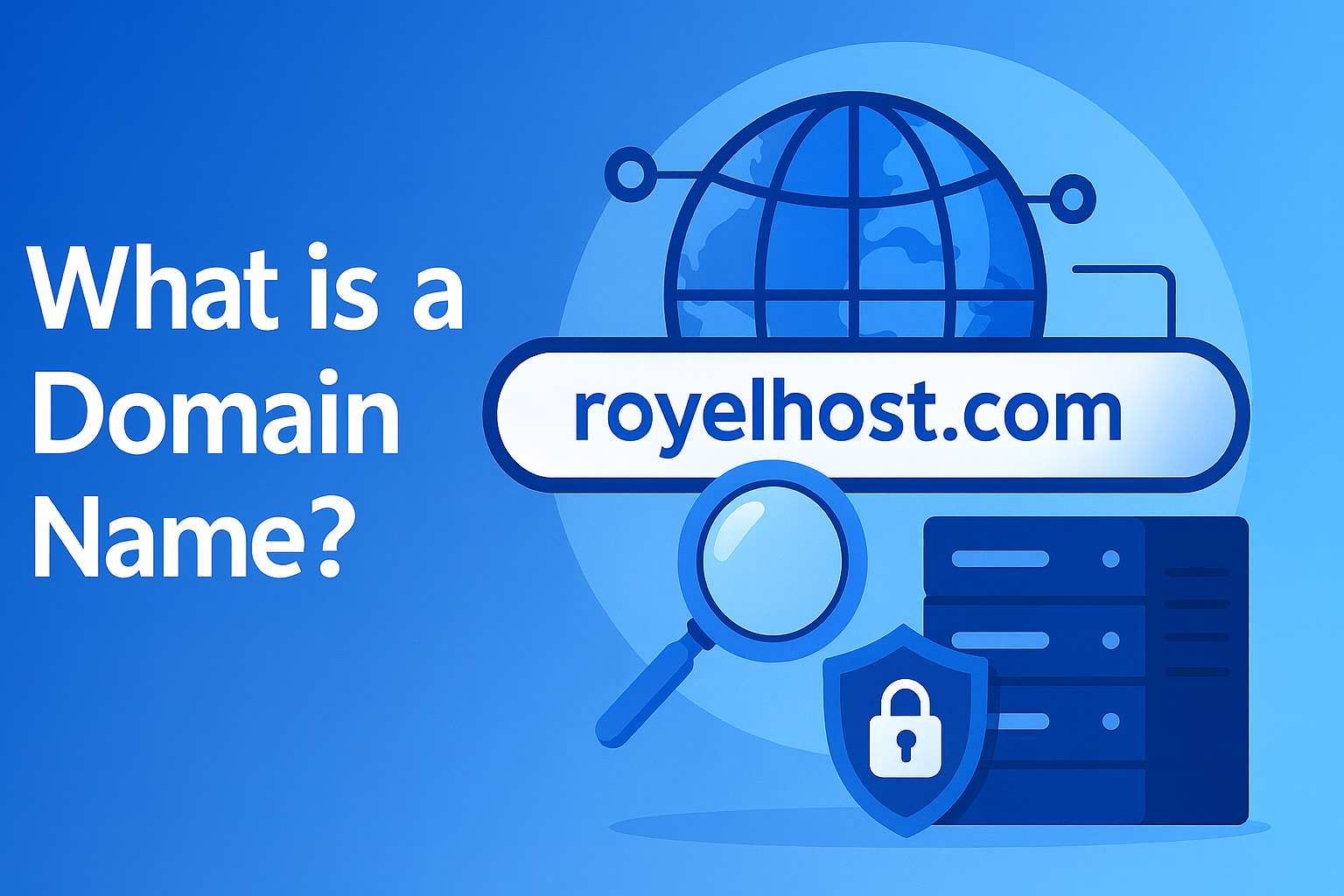
What is a Domain Name? A Comprehensive Guide.
Introduction: In the simplest terms, a domain name is the address of your website on the internet. Just like your home has an address that people use to find it, a website has a domain name (e.g., royelhost.com) that users can type in their browser to reach that site. Without domain names, we would have to remember long strings of numbers (IP addresses) to visit websites. Domains make it easy for everyone to access sites using familiar words instead of numerical codes.
What Exactly is a Domain Name?
A domain name is a unique, human-readable string that identifies a website. For example, google.com is the domain name for Google's website. Computers use numeric IP addresses to communicate (such as 250.190.14 for one of Google’s servers), but remembering those numbers is difficult for humans. Domain names act as a convenient shortcut – when you enter a domain name into a browser, it is translated by the Domain Name System (DNS) into the corresponding IP address of that website’s server. In plain language, the domain name is the text you type to reach a specific website, instead of having to enter a series of numbers.
Example: Think of a phone’s contact list – you find someone by name, and the phone internally uses their number. Similarly, you type royelhost.com into your browser, and behind the scenes the internet’s DNS service finds the correct numerical address to connect you to the RoyelHost website. Without the domain name, you would need to remember and enter the server’s IP address directly, which is not practical.
How Do Domain Names Work?
When you hit "Enter" after typing a domain name (like www.royelhost.com) in your browser, a sequence of actions happens almost instantly:
DNS Lookup: Your browser contacts the DNS resolver (like an online directory) to find the IP address associated with the domain name. This is like looking up a phone number by someone's name.
Name Servers: The request travels to the domain’s Name servers – often managed by the domain’s hosting or registrar company – which hold records of where to send each request. The name servers respond with the IP address of the server where the website is hosted.
Connecting to the Server: Now armed with the IP address, your browser connects to the web server at that address.
Loading the Website: The browser requests the webpage from the server, the server sends back the website data, and the website appears on your screen.
All these steps happen in a split second, so as a user you simply see the website load after entering the domain name. This system – the Domain Name System – works globally to ensure that when anyone types example.com, they reach the same website no matter where they are. It’s a backbone of how the internet functions, translating friendly names into technical addresses.
Parts of a Domain Name
A typical domain name has two or more parts, separated by dots, each part indicating something about the domain’s hierarchy:
Top-Level Domain (TLD): This is the last part of the domain name (after the final dot). Common TLDs include .com, .org, .net, and country-specific ones like .bd (Bangladesh) or .uk (United Kingdom). The TLD is the broad category of the domain. For example, in royelhost.com, the
.comindicates a commercial or general website (the most common TLD). In bbc.co.uk, the TLD is.uk(United Kingdom), indicating a country domain.Second-Level Domain (SLD): This is the part of the domain name directly to the left of the TLD. It’s usually the name of the organization, business, or project. In royelhost.com, “royelhost” is the second-level domain – which is the core identity of the domain. In bbc.co.uk, “bbc” is the second-level domain and
cois actually a second-level category under theukTLD (commonly used in the UK for companies).Subdomain (Third-Level Domain): Anything to the left of the second-level domain is typically a subdomain. For example, in blog.royelhost.com, “blog” is a subdomain of royelhost.com. Subdomains can be used to organize your website into sections or services (like support.yourwebsite.com or shop.yourwebsite.com). You can create subdomains once you own a domain, without needing to register a new domain.
Example Breakdown: For the domain example.com – “example” is the second-level domain, and “.com” is the top-level domain. For store.example.com – “store” is a subdomain, “example” is the second-level, and “.com” is the TLD.
Understanding this structure is useful when configuring websites or talking about domains. It shows how domains are organized in a hierarchy from general (TLD) to specific (SLD and subdomains).
Domain vs. URL – Are They the Same?
It’s common to confuse a domain name with a URL. A URL (Uniform Resource Locator) is the full web address of a specific page or resource on the internet, and it includes the domain name plus other information like the protocol and path. For example:
URL:
https://royelhost.com/blog/what-is-domain– this points to a specific page (perhaps the "What is Domain" blog) on the RoyelHost website.Domain Name:
royelhost.com– this is the core address of the website.
In the URL above, https:// specifies the protocol, royelhost.com is the domain name, and blog/what-is-domain is the path to a particular page. So, the domain is part of every URL, but a URL contains more details (like page paths, query strings, etc.). Knowing this difference helps, but in casual usage, people often say "domain" to mean the website address in general.
Why Are Domain Names Important?
1. Easy to Remember: Domains save us from memorizing numeric IP addresses. Imagine if you had to remember 72.217.164.110 to visit Google – it’s much easier to remember google.com. A good domain name is short, catchy, and easy to spell so that people can recall it effortlessly.
2. Branding and Credibility: Your domain name is a key part of your online identity. It often carries your brand or business name. A professional-sounding domain (like mybusiness.com) can make your site appear more credible and established to visitors. In contrast, a long or confusing domain might seem untrustworthy. In fact, having your own domain (instead of a free subdomain or a long address) lends professionalism to your website and builds trust with your audience.
3. Uniqueness and Ownership: A domain name is unique to you. Once you register example.com, no one else in the world can have that exact domain as long as you keep renewing it. This exclusivity is powerful – it’s like owning a unique trademark or piece of online real estate. There are currently over 360 million registered domain names worldwide, which shows how every simple name is getting snapped up. Owning your domain gives you control over your brand’s online presence.
4. Flexibility: With your own domain, you can create custom email addresses (like info@royelhost.com), set up multiple subdomains for different services (blog, store, etc.), and even change web hosting providers without changing your web address. Your domain name stays yours and can always point to your content, no matter which hosting service you use.
5. Global Reach: Once registered, a domain name can be accessed from anywhere in the world. It breaks down geographical barriers for businesses and individuals, allowing anyone, anywhere, to reach your site by using that name.
In short, domain names make the internet user-friendly and are crucial for establishing a presence online – whether for a personal blog or a large business website.
Domain Name vs. Web Hosting (Key Difference)
It’s important to note that a domain name is not the same as web hosting. They work together but are different things:
The domain name is the address (the name people type to reach your site).
The web hosting is the service that stores your website’s files and data on a server, making your site accessible on the internet.
Using an analogy: if the domain is your website’s address, the hosting server is the actual house or building. You need an address (domain) to direct people to the right location, and you need the house (hosting) to hold all the content that people will see.
Often, you will purchase your domain name and hosting from the same provider (this simplifies setup). RoyelHost, for example, provides both domain registration and hosting services – so you can get your domain and set up your website all in one place. But you can also buy a domain from one company and host your site with another. Just remember, without a domain name, visitors won’t have a convenient way to find your site, and without hosting, there’s no website to show even if they reach your domain. You need both to have a functioning website.
How to Register a Domain Name
Securing a domain name for your website is a straightforward process:
Choose a Domain Registrar: A domain registrar is a company authorized to sell and manage domain name registrations (examples: RoyelHost, GoDaddy, Namecheap, etc.). Make sure you choose a reputable registrar. An honest and reliable registrar will ensure you can manage your domain easily and avoid any unethical practices cloudflare.com.
Search for Your Desired Name: Through the registrar’s website, use their domain search tool to see if your preferred domain name is available. Domain names are unique – if the name is already registered by someone else, you’ll have to pick a different name or a different extension.
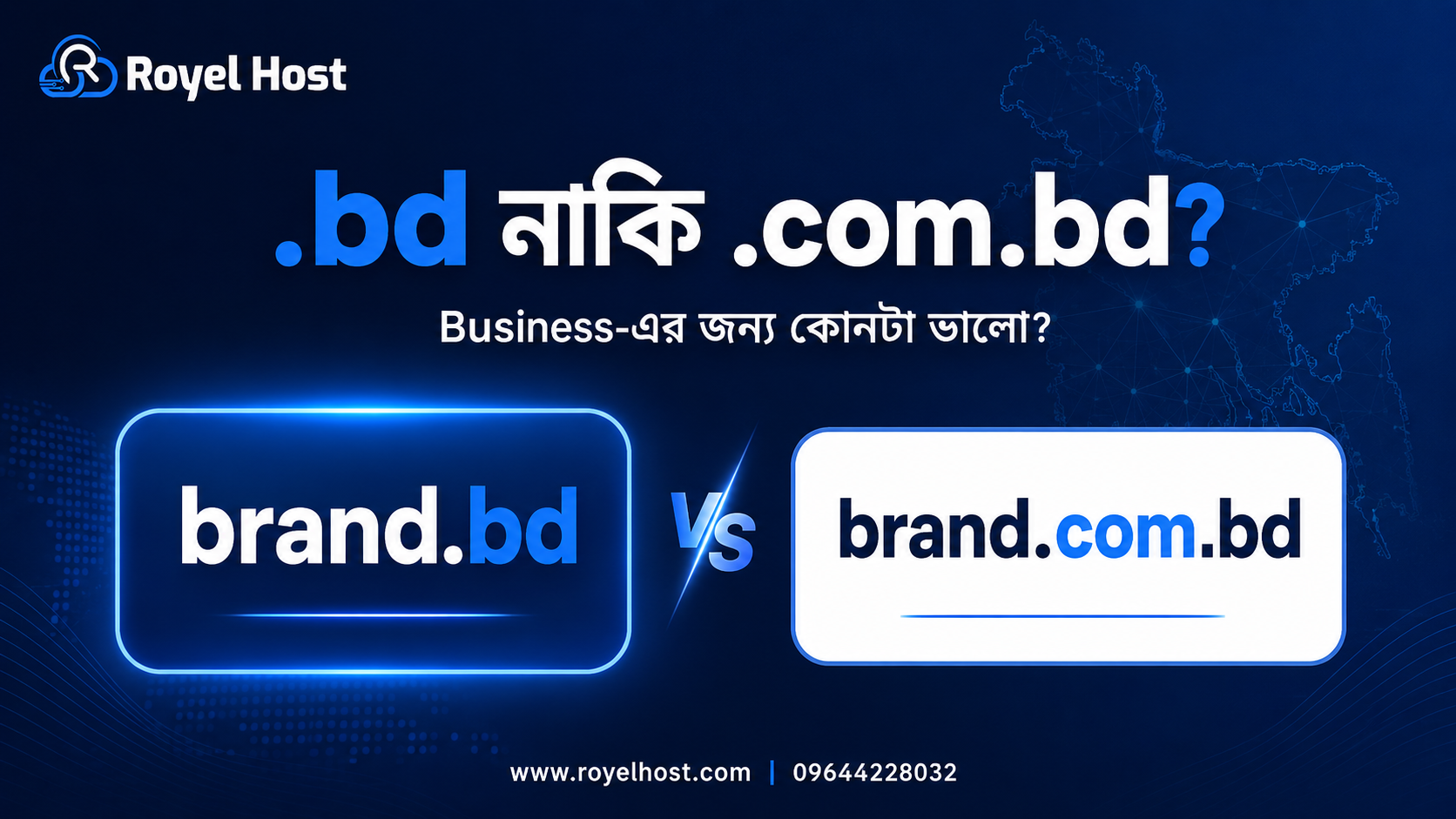
Select the Extension (TLD): Decide on a suitable top-level domain. If you’re aiming for an international or commercial audience, .com is a popular choice. If it’s an organization you might consider .org, for tech perhaps .io, or country-specific TLDs for local businesses (like .bd for Bangladesh). Keep in mind, many people instinctively try .com first when guessing a domain, so it’s often good to have a .com if possible.
Provide Registration Details: When you register, you’ll need to provide contact information (registrant details). There is an international body (ICANN) that requires domain owners’ information to be on record, but you can often opt for privacy protection to hide your personal info from public WHOIS databases.
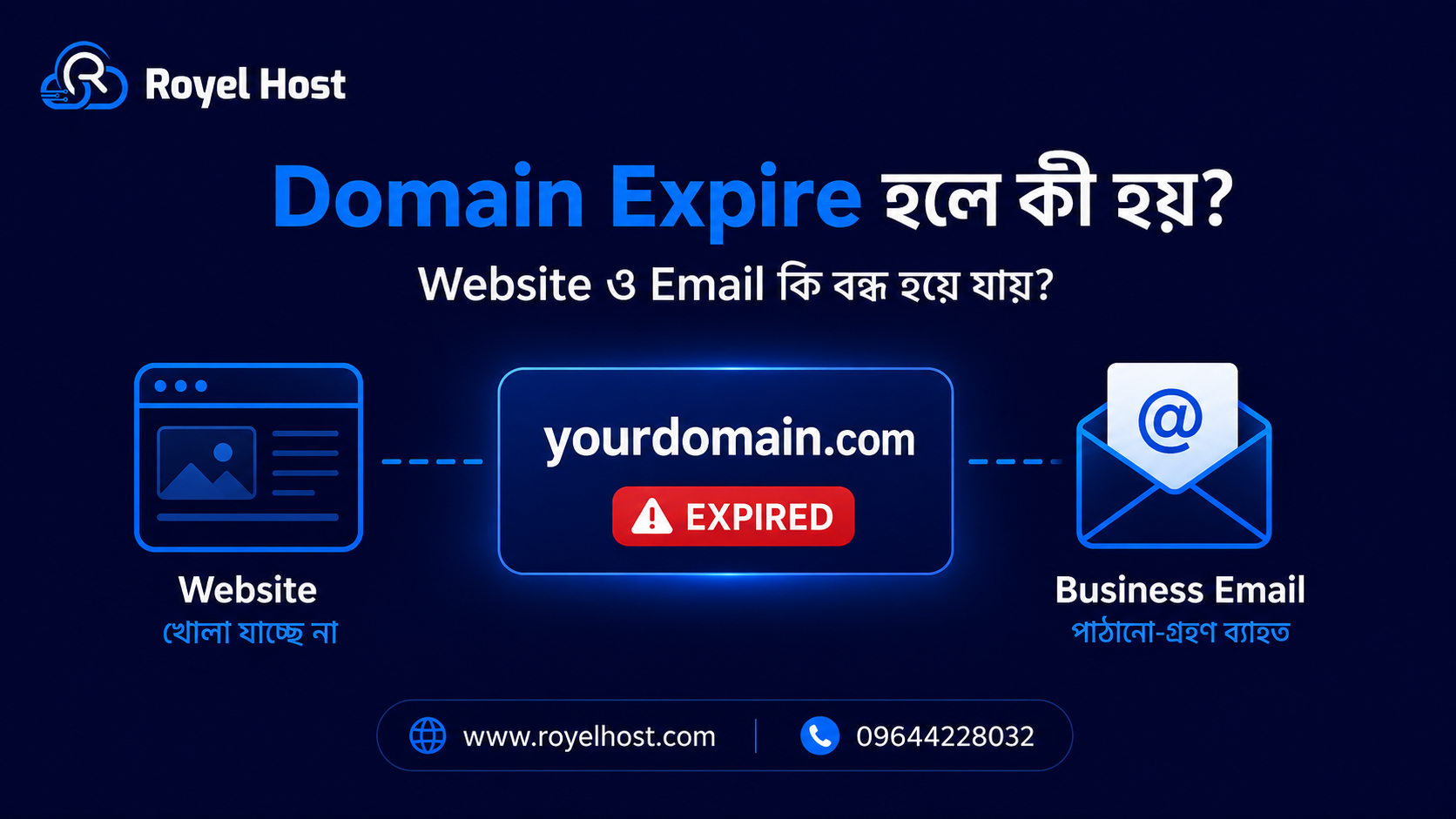
Pay and Register: Domains are typically purchased on a yearly basis (you can register for multiple years at once as well). Prices vary depending on the TLD and the registrar. Once you pay, the domain is yours for that period. Tip: Be sure to renew on time each year. Good registrars will notify you before expiration. If you forget to renew and the domain expires, it could be taken by someone else or you might have to pay a redemption fee to get it back.
Link to Your Website: If you bought the domain and hosting from the same provider, this often is set up automatically. If not, you’ll need to point your domain to your web host by updating the domain’s DNS settings (the host will provide nameserver addresses or DNS records to use). This step connects your domain name to the server where your website is located.
Once registered, the domain is active usually within minutes (or up to 24-48 hours in some cases for DNS to propagate worldwide). You can then access your website via that domain name.
Fun fact: Domain registration is a global system – when you register a name, it is recorded in a central registry for that TLD. No two parties can have the same domain name at the same time. That uniqueness is why good domain names can feel scarce and valuable.
Tips for Choosing a Good Domain Name
Selecting the right domain name is very important. It’s something you ideally stick with long-term, and it becomes a key part of your brand identity. Here are some essential tips to consider when choosing a domain name:
Keep it Short and Simple: Aim for a domain name that is concise. Short names (generally under 15 characters) are easier to remember and less prone to typos. For instance, quickshop.com is preferable to thebestonlinestoreever.com. The shorter and cleaner, the better. Avoid unnecessary words or letters.
Make it Memorable: Your domain should be easy for people to recall and ideally easy to spell correctly. If you hear it once, can you remember it and type it later? Avoid complicated words or odd spellings. A good test is to tell someone your domain verbally – if they can repeat it back to you and later recall it, that’s a good sign.
Avoid Numbers and Hyphens: These characters create confusion. Numbers can be misheard (did you mean the digit 5 or the word five?) and hyphens are often forgotten or mis-placed by users. Domains with hyphens or numbers are harder to communicate verbally and can seem less credible. Stick to letters if possible.
Reflect Your Brand or Purpose: If it’s for a business or project, try to incorporate the name or a relevant keyword so it’s clear what the site is about. For example, if you have a coffee shop called “Moonbean Cafe,” a domain like moonbeancafe.com instantly signals your brand. If the exact name is not available, you might add a keyword (e.g., myshop.com). This helps with recognition and possibly SEO (search engines do look at domain names).
Choose the Right Extension: As mentioned, .com is the most popular and generally a safe bet for most purposes because people default to it. If you target local or specific communities, country-code TLDs (like .bd, .uk) or niche TLDs (.io, .tech, .store) can work too. Just be aware that if you use something uncommon, you might need to educate your audience that your site ends in that extension. Whenever possible, also consider buying the .com version of your name even if you use another TLD, to protect your brand.
Avoid Trademark Issues: Do some research to ensure your desired domain doesn’t accidentally infringe on someone else’s trademark or brand name. You want to pick a name you are free to use and that won’t cause legal trouble or have to be given up later.
Check Availability on Social Platforms: This is a pro-tip – if you’re building a brand, you may want to have consistent names on social media. Before finalizing your domain, check if the name (minus the extension) is available or not heavily used on platforms like Facebook, Twitter, Instagram, etc. It’s nice when your domain and social handles align.
Think Long Term: A domain name should ideally stand the test of time. Avoid very narrow or trendy terms that might become irrelevant as your focus expands. For example, naming your domain after a specific year or product might box you in later if things change.
Act Fast: Good domain names can get taken quickly. If you have a great name in mind, don’t wait too long to register it. Domain registration is relatively inexpensive, and there is a lot of competition for common words. Every day, new domains are registered. It’s not unheard of for a name to be available one week and gone the next.
By following these tips, you’ll increase the chances of securing a domain name that is effective, brand-appropriate, and user-friendly. Remember, your domain is often the first thing people see or hear about your website – it’s worth the effort to choose it wisely.
Conclusion
A domain name is an essential component of having a presence on the web. It’s your website’s identity and address rolled into one, making it possible for users to easily find and remember you. In this guide, we covered what domains are, how they work, why they’re important, and how to choose and register a good one. By now, you should have a clear understanding that a domain name, like royelhost.com, is much more than just text – it’s a critical piece of your online branding and accessibility.
If you’re planning to start a website, choosing the right domain name is one of the first and most important steps. Keep it simple, relevant, and memorable. And once you have the perfect domain, make sure to pair it with reliable web hosting so that your site is always accessible via that domain.
RoyelHost (the brand behind this guide) offers both domain registration and web hosting services in line with these principles – aiming to make it easy for you to secure a great domain name and get your website online quickly and securely. With the right domain name in hand, you’re well on your way to establishing a strong online presence. Happy domain hunting!
Wrap-up
A domain name is your online address and a vital part of your brand. Now you know what it is, how it works, how it differs from hosting, and how to choose and register a great one. Ready to get started?
© RoyelHost — All rights reserved.

No comments yet. Be the first to comment.