


Shared Hosting: A Beginner’s Guide
What is Shared Hosting?
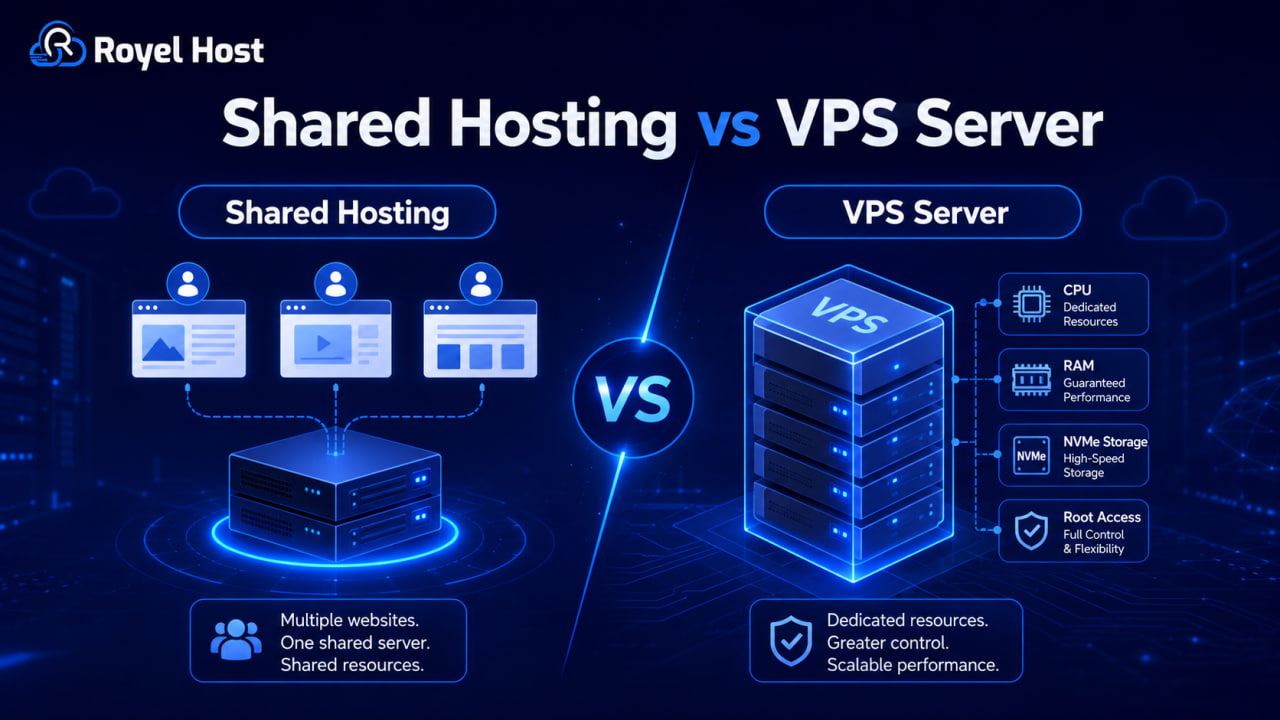
Shared hosting is a type of web hosting where multiple websites share the same server and its resources, like CPU, RAM, and storage. It’s similar to renting a room in a shared house — you have your own space, but the main facilities are shared.
How Shared Hosting Works
- Multiple Websites on One Server – Your site shares space with others.
- Shared Resources – CPU, memory, and bandwidth are distributed among all websites.
- Managed by the Hosting Provider – The company handles updates, security, and server maintenance.
- User-Friendly Control Panel – Most plans include an easy dashboard like cPanel or Plesk.
Benefits of Shared Hosting
- ✅ Affordable – Cheapest hosting option.
- ✅ Easy Setup – One-click installation for WordPress, Joomla, etc.
- ✅ No Maintenance – Hosting provider manages security and updates.
- ✅ Scalability – Start small, upgrade as needed.
- ✅ 24/7 Support – Help via phone, chat, or email.
Limitations of Shared Hosting
- ❌ Limited Resources – High traffic on one site can slow down others.
- ❌ Security Risks – If one website is hacked, others may be affected.
- ❌ Less Control – No advanced server customization.
- ❌ Performance Issues – Speed may drop during high traffic periods.
Who Should Use Shared Hosting?
- ✔ Beginners – Simple and affordable for first-time website owners.
- ✔ Personal Blogs – Great for hobby bloggers.
- ✔ Small Businesses – Suitable for low-traffic business sites.
- ✔ Startups – Affordable option for launching an online presence.
- ✔ Nonprofits & Local Groups – Cost-effective for information-sharing websites.
How to Choose the Best Shared Hosting Provider
- 🔹 Uptime Guarantee – Look for 99.9% uptime.
- 🔹 Speed & Performance – SSD storage, caching, and CDN support are a plus.
- 🔹 Security Features – Free SSL, firewalls, and regular backups.
- 🔹 Customer Support – 24/7 support via multiple channels.
- 🔹 Pricing – Check renewal rates, not just the initial cost.
How to Set Up a Website with Shared Hosting
- Choose a Hosting Provider – Compare features and reviews.
- Register a Domain Name – Pick a short and relevant name.
- Install a Website Platform – Use WordPress, Joomla, or Drupal.
- Select a Theme & Customize – Ensure mobile-friendly design.
- Publish Your Website – Launch and start sharing your content!
Final Thoughts
Shared hosting is an affordable, beginner-friendly option. It’s perfect for small websites, but as traffic grows, consider upgrading to a VPS or dedicated server for better performance.

No comments yet. Be the first to comment.